
In this article
Keep the log focused on useful factsSeparate routine checks from faultsMake the log useful for support and recallsA practical checklistAn everyday situationA detail worth rememberingWhen to stop and seek adviceFrequently asked questionsDo I need a special app for a maintenance log?Should I restart a faulty device just to complete the log?Related readingSources and further informationRelated articles
A lightweight maintenance log helps track care, faults and replacement history without complicated software.
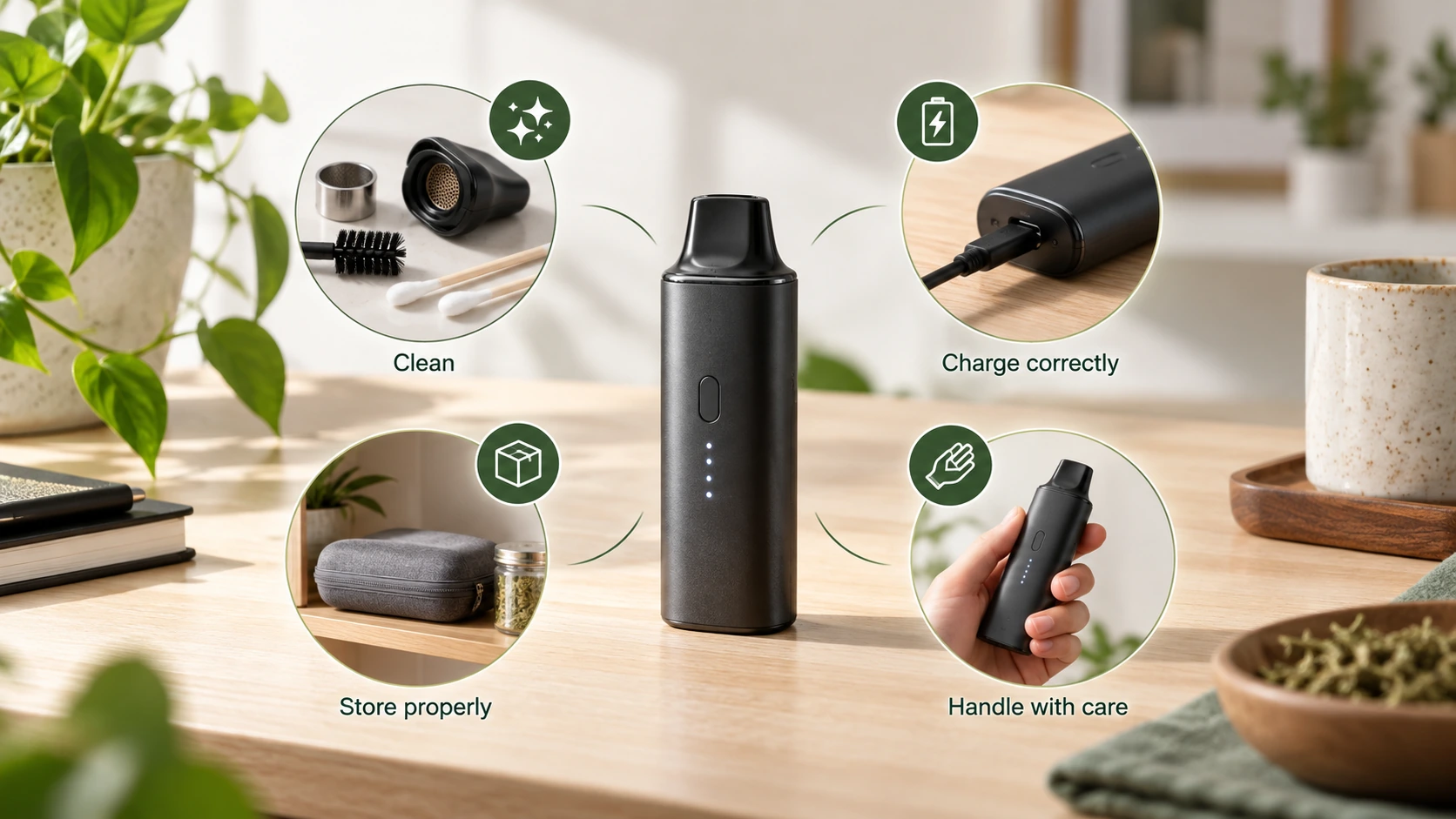
At a glance: Record date, device model and action taken. Note visible condition and warning codes objectively.
Keep the log focused on useful facts
A maintenance record should identify the device, date, visible condition, cleaning or inspection performed, parts replaced and any warning message. Record only the details needed to support safe ownership; avoid unnecessary personal or sensitive information. A spreadsheet, notes app or paper card can all work. A simple consistent record is often more valuable than a complex log that is rarely updated.
Separate routine checks from faults
Routine entries can describe the condition of visible seals, charging cable, mouthpiece and exterior. A fault entry should record what happened and whether use was discontinued. Do not write “passed electrical safety test” unless such a test was performed by a qualified person using a defined method. Tracking an unexplained repeated warning can reveal a pattern worth reporting to the manufacturer, but should not encourage deliberate fault reproduction.
Make the log useful for support and recalls
Store the exact model, serial number and purchase reference securely alongside a link to the current manual. When a recall is announced, the identifier and maintenance history can help determine whether a unit is affected. When a part is replaced, note its approved part number and installation date. If a device shows dangerous battery symptoms, stop immediately; documentation comes second to safety.
A practical checklist
- Record date, device model and action taken.
- Note visible condition and warning codes objectively.
- Keep part numbers and maintenance instructions together.
- Flag stop-use faults rather than continuing maintenance.
An everyday situation
A simple notes file records the date a seal was replaced and the model-specific part number. Months later, the same assembly becomes loose. The maintenance log makes it easier to explain the sequence to support without guessing when the problem began or repeatedly dismantling the device.
A detail worth remembering
Do not mark a safety test as completed unless a suitable test was actually performed by someone qualified. A consumer visual inspection is not an electrical certification.
When to stop and seek advice
| What you notice | Sensible response |
|---|---|
| Normal maintenance question | Check the official manual for the exact device model. |
| Possible deterioration or persistent fault | Stop the activity and contact the supplier or manufacturer. |
| Heat, swelling, venting, smoke or fire | Prioritise safety; for an active hazard evacuate and call **000**. |
Frequently asked questions
Do I need a special app for a maintenance log?
No. Any consistent written record works if it is easy to retrieve.
Should I restart a faulty device just to complete the log?
No. Record what you already observed without reproducing a hazardous event.
Related reading
- Vaporiser Device Safety & Maintenance Explained
- Recording Device Faults for Manufacturer Support
- When to Contact a Manufacturer About a Device Fault
- Lithium-Ion Battery Safety in Portable Devices
Sources and further information
- ACCC Product Safety — Lithium-ion batteries guide
- ACCC Product Safety — Respond to recalls and unsafe products
This general safety information does not replace a manufacturer’s instructions or an emergency service’s advice. It does not establish the permitted supply, advertising or use of any particular vaping good in Australia.