
In this article
Record the basics before contacting supportDescribe observable facts, not guessesKeep a simple timelineA practical checklistAn everyday situationA detail worth rememberingWhen to stop and seek adviceFrequently asked questionsDo I need to test the fault several times?Should I mail a damaged lithium battery to the maker myself?Related readingSources and further informationRelated articles
A clear, factual fault report helps support teams without requiring you to recreate unsafe behaviour.
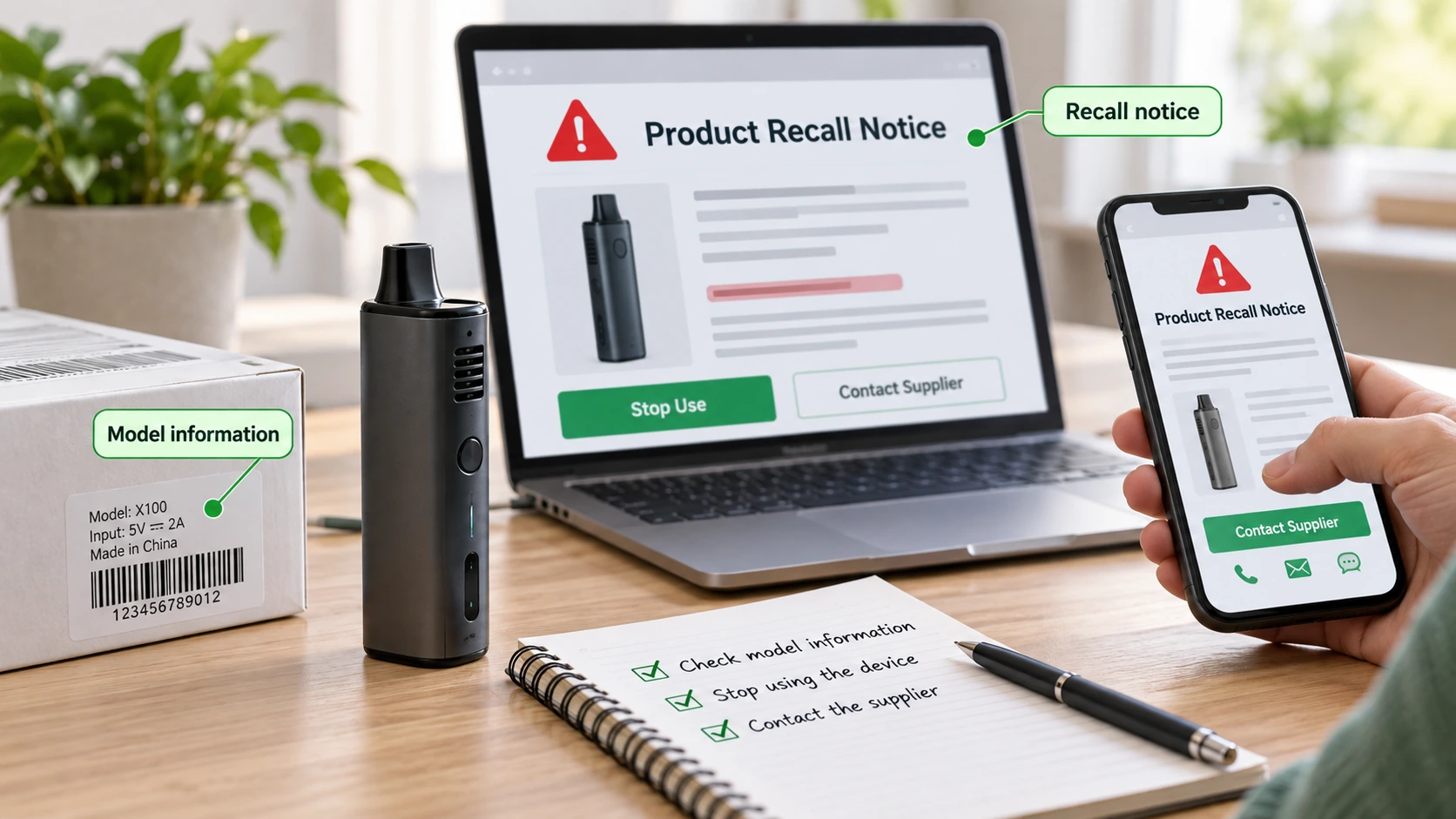
At a glance: Record model, serial number, purchase date and symptoms. Document events without deliberately recreating a safety fault.
Record the basics before contacting support
Write down the exact model, serial number if accessible, purchase date, firmware version if displayed and the issue’s first occurrence. Include the warning message or indicator colour and the circumstances: charging, storage, maintenance or normal operation. Photographs of an externally visible defect may help, but never expose yourself to heat, smoke or venting to obtain them. If the product is unsafe, prioritise distance and emergency assistance.
Describe observable facts, not guesses
“Port became unusually hot five minutes after connecting the recommended charger” is more useful than “the motherboard is broken.” Include whether the problem is intermittent or continuous and whether the device was dropped, wet or repaired. Avoid repeatedly reproducing an overheating or battery fault to gather more evidence. Do not open sealed casings or attempt electrical measurements unless qualified and authorised.
Keep a simple timeline
Retain purchase evidence, communications, official instructions and any recall reference. A timeline with dates can assist both the supplier and a consumer protection agency if a dispute arises. For a medical device incident, check the TGA’s medical device reporting guidance, which may request details beyond a normal warranty enquiry. Make copies before returning the product and use the shipping procedure instructed by the provider, especially for damaged lithium batteries.
A practical checklist
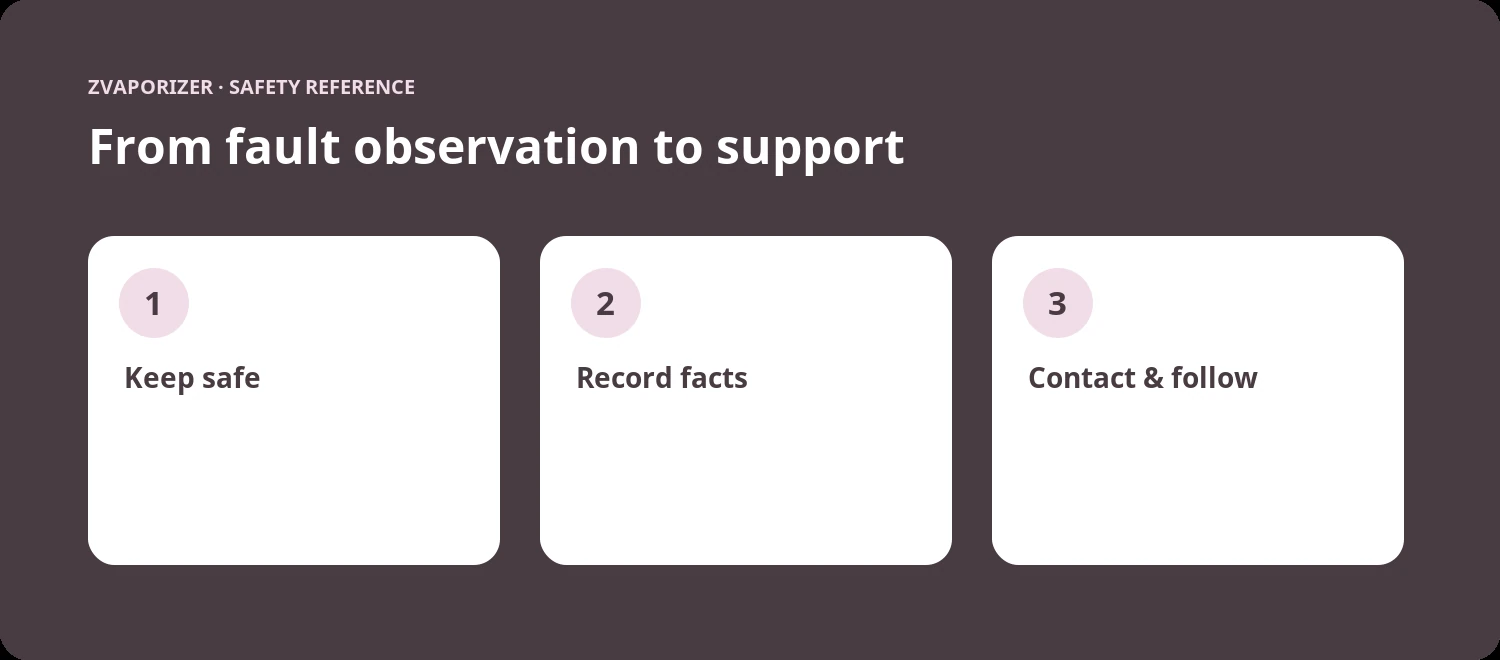
- Record model, serial number, purchase date and symptoms.
- Document events without deliberately recreating a safety fault.
- Photograph only when safe; do not open battery enclosures.
- Retain correspondence and follow safe returns instructions.
An everyday situation
A customer service team asks what occurred before an unexpected shut-off. The owner can provide a short timeline, error code and photographs of the external case without restarting the faulty device. Clear observations are more useful than a guess about a circuit-board fault.
A detail worth remembering
Do not pack a leaking or swollen lithium battery for standard postage just because a support email requests a return. Ask for appropriate dangerous-goods shipping instructions first.
When to stop and seek advice
| What you notice | Sensible response |
|---|---|
| Normal maintenance question | Check the official manual for the exact device model. |
| Possible deterioration or persistent fault | Stop the activity and contact the supplier or manufacturer. |
| Heat, swelling, venting, smoke or fire | Prioritise safety; for an active hazard evacuate and call **000**. |
Frequently asked questions
Do I need to test the fault several times?
No. Do not deliberately recreate unsafe heat, smoke or battery behaviour.
Should I mail a damaged lithium battery to the maker myself?
Not without specific shipping and dangerous-goods instructions; contact the supplier for an appropriate process.
Related reading
- Vaporiser Device Safety & Maintenance Explained
- When to Contact a Manufacturer About a Device Fault
- How to Read Warranty and Maintenance Terms
- Lithium-Ion Battery Safety in Portable Devices
Sources and further information
- ACCC Product Safety — Respond to recalls and unsafe products
- ACCC Product Safety — Lithium-ion batteries guide
- TGA — Report an adverse event or safety problem
This general safety information does not replace a manufacturer’s instructions or an emergency service’s advice. It does not establish the permitted supply, advertising or use of any particular vaping good in Australia.