
In this article
Heat can remain after power is offReduce contact with hot componentsRecognise when heat indicates a faultA practical checklistAn everyday situationA detail worth rememberingWhen to stop and seek adviceFrequently asked questionsIs a heating component safe as soon as the display goes off?Does automatic power-off mean a device cannot burn skin?Related readingSources and further informationRelated articles
Hot surfaces can injure before they look dangerous. Know the safe handling points and cool-down limits.
At a glance: Identify hot zones and safe grips in the manual. Allow full cool-down before removal, cleaning or storage.
Heat can remain after power is off
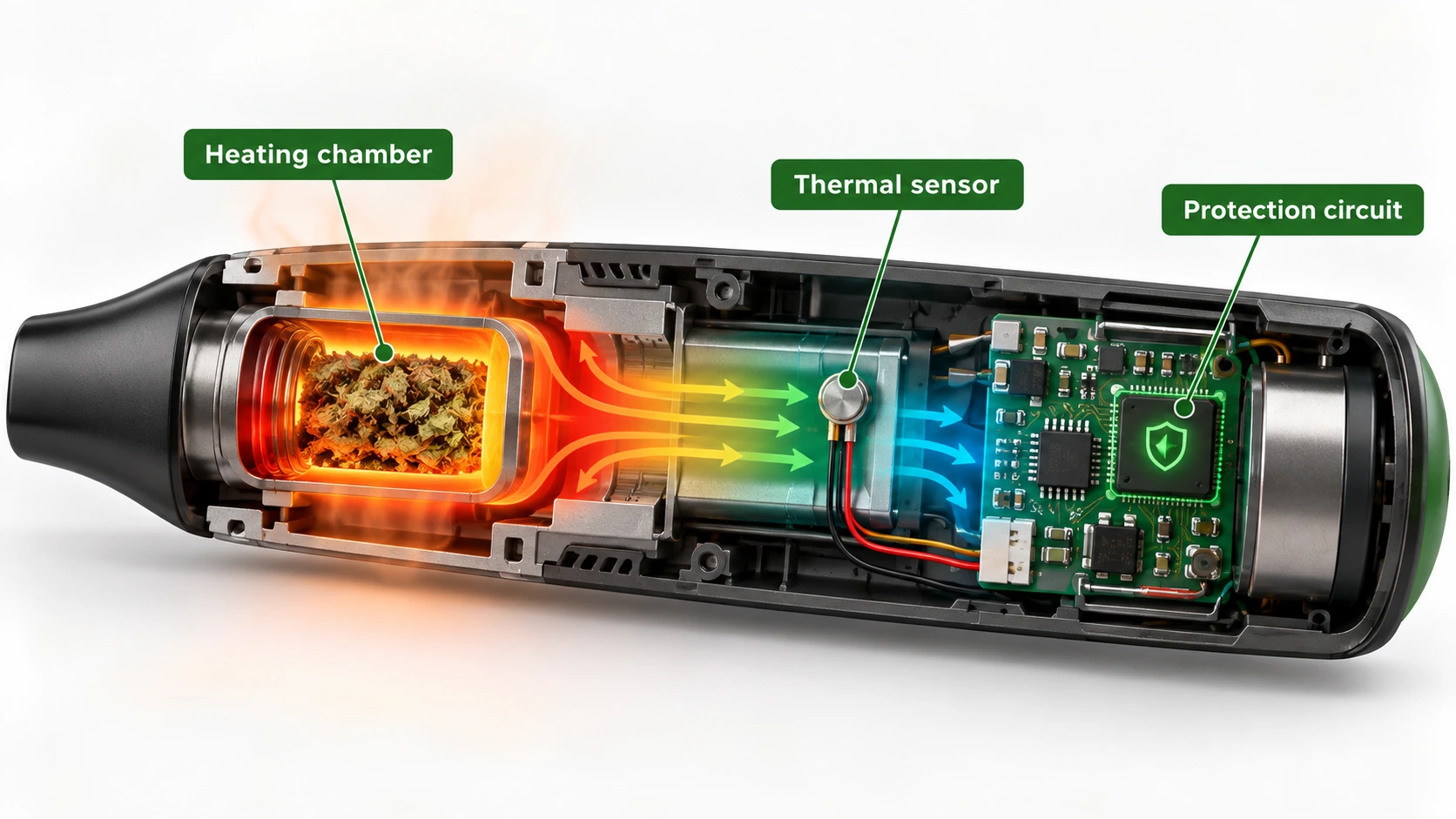
A chamber, metallic insert, screen or adjacent wall can retain heat after a heating cycle ends. A dark or unlit surface may still be hot. The manufacturer’s instructions should identify expected hot areas, intended grips and cooling periods. Never assume that a display reading or automatic shutdown means every component is safe to touch. Children and pets can be particularly vulnerable to accidental contact.
Reduce contact with hot components
Use the provided grips, protective accessories or tools only as instructed. Place recently operated equipment on a stable, heat-resistant surface away from paper, fabric and the edge of furniture. Do not remove a heated component with bare fingers or place it straight into a plastic case. Allow adequate cooling before cleaning, storing or transporting. Avoid using a device in a position where it may tip or where a cable can pull it down.
Recognise when heat indicates a fault
An expected hot chamber and an unexpectedly hot battery compartment are different risks. If heat appears in an unusual place, is accompanied by odour, deformation or error messages, discontinue use and refer to the manufacturer. In an active battery incident involving smoke, fire or venting, evacuate and call 000. If a person suffers a burn, follow current first-aid guidance and seek medical attention when necessary; never treat an electrical fault by opening the unit.
A practical checklist
- Identify hot zones and safe grips in the manual.
- Allow full cool-down before removal, cleaning or storage.
- Keep heated devices stable and away from children and combustibles.
- Treat abnormal heat in battery or charger areas as a fault.
An everyday situation
A heated insert is removed immediately after the display turns off and placed on a plastic surface. Residual heat can remain after electrical power stops. Reading the cool-down instructions and using a stable heat-resistant location avoids treating shutdown as instant cooling.
A detail worth remembering
Unexpected heat in a battery compartment or charger is different from heat in a designed heating element. Location and circumstances matter when describing a fault.
When to stop and seek advice
| What you notice | Sensible response |
|---|---|
| Normal maintenance question | Check the official manual for the exact device model. |
| Possible deterioration or persistent fault | Stop the activity and contact the supplier or manufacturer. |
| Heat, swelling, venting, smoke or fire | Prioritise safety; for an active hazard evacuate and call **000**. |
Frequently asked questions
Is a heating component safe as soon as the display goes off?
Not necessarily. Retained heat can remain in metal, ceramic and glass after shutdown.
Does automatic power-off mean a device cannot burn skin?
No. Heat stored in components can persist after electrical power is removed.
Related reading
- Vaporiser Device Safety & Maintenance Explained
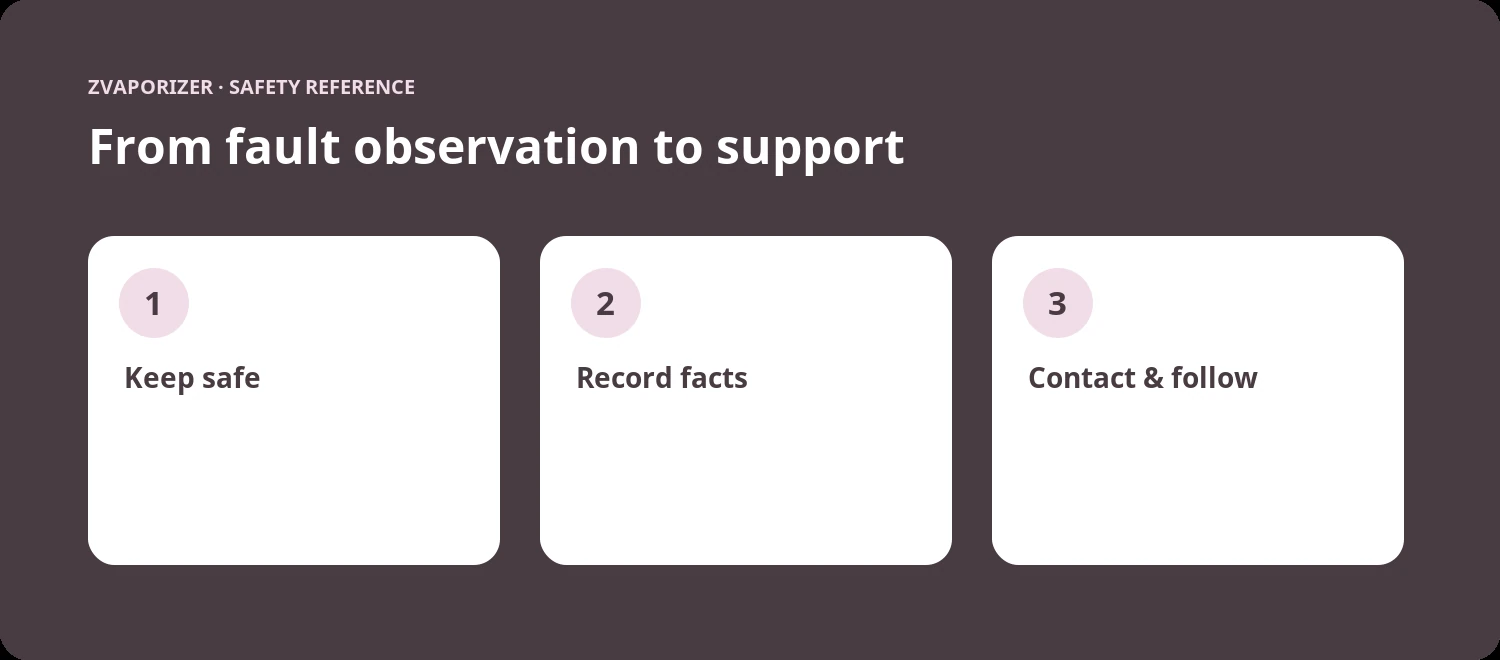
- Recording Device Faults for Manufacturer Support
- When to Contact a Manufacturer About a Device Fault
- Lithium-Ion Battery Safety in Portable Devices
Sources and further information
- ACCC Product Safety — Lithium-ion batteries guide
- ACCC Product Safety — Lithium-ion battery emergency guidance
This general safety information does not replace a manufacturer’s instructions or an emergency service’s advice. It does not establish the permitted supply, advertising or use of any particular vaping good in Australia.