
In this article
Read the charging instructions firstChoose the charging location carefullyAvoid charging mythsA practical checklistAn everyday situationA detail worth rememberingWhen to stop and seek adviceFrequently asked questionsIs it safe to charge while the device is inside a case?Does USB-C guarantee compatibility?Related readingSources and further informationRelated articles
Charging safely begins with the device manual, suitable electrical equipment and a visible charging area.
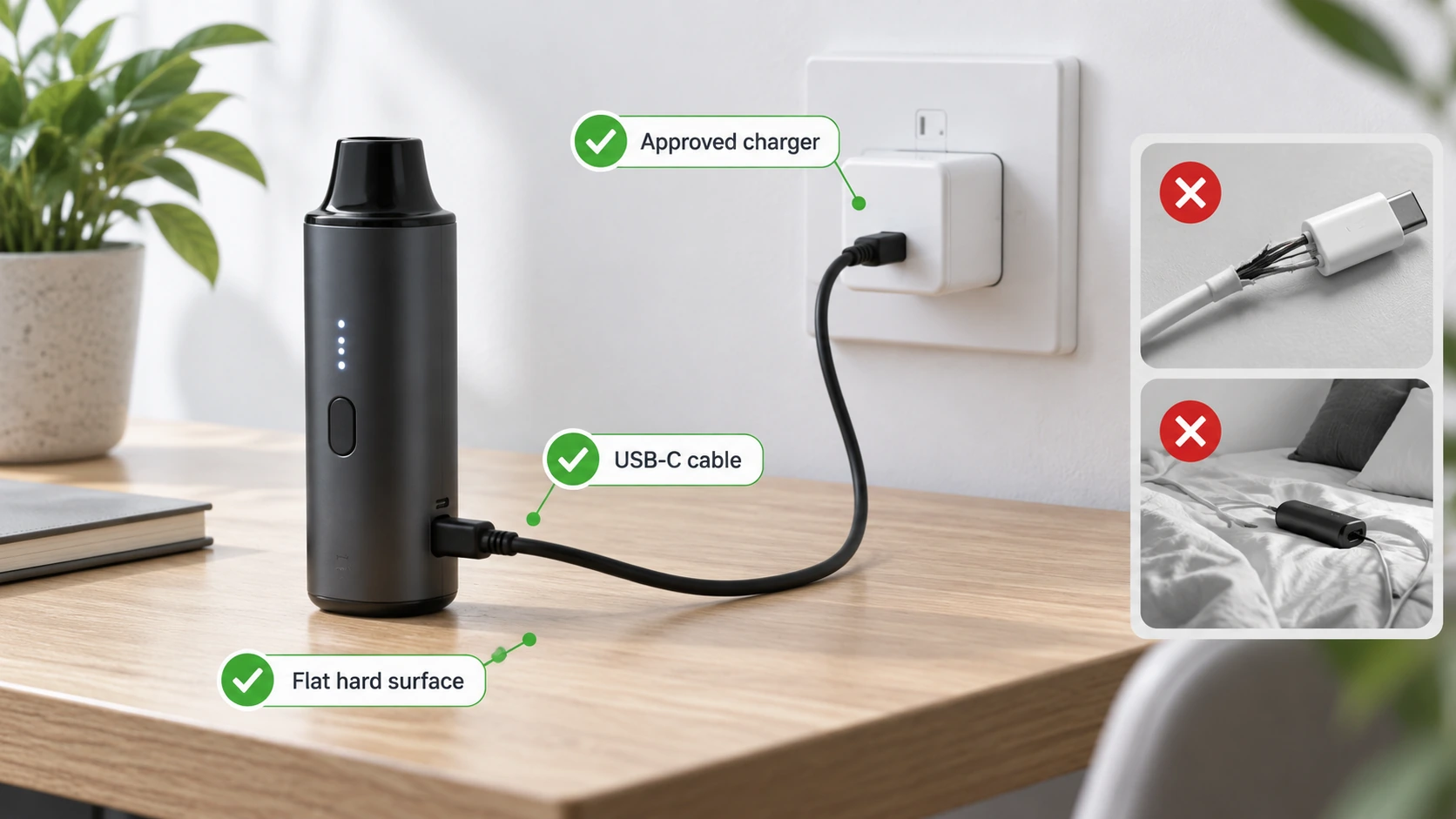
At a glance: Check the exact model’s input and recommended charging method. Inspect the cable, adaptor and port before connecting.
Read the charging instructions first
A manufacturer may specify a power input range, supported charging standards, suitable cable, temperature limits and whether charging while operating is permitted. Confirm those details for the exact model and revision. The port type—USB-C, micro-USB or a proprietary connector—does not by itself confirm the charger is approved. For removable cells, use only the charger and cell type specifically supported for that device; mixing unknown batteries and chargers increases uncertainty.
Choose the charging location carefully
Use a stable, hard, non-flammable surface away from clothing, paper, blankets and escape routes. Keep charging equipment dry and inspect cables for fraying, crushed areas, exposed conductors or damaged plugs. A device that feels unusually hot while charging should be disconnected if safe to do so and not used until assessed. The ACCC recommends monitoring charging and disconnecting products when fully charged rather than leaving them unattended overnight.
Avoid charging myths
A higher-wattage adaptor does not automatically force its full output into a compatible USB device; proper negotiation and device-side controls matter. Equally, a cheap or counterfeit adaptor may lack expected protections, so capacity claims or matching connectors are not sufficient assurance. Do not bypass a temperature warning, use a damaged charging socket or attempt to charge a cell recovered from a failed device. When directions are unclear, contact the manufacturer rather than improvising.
A practical checklist
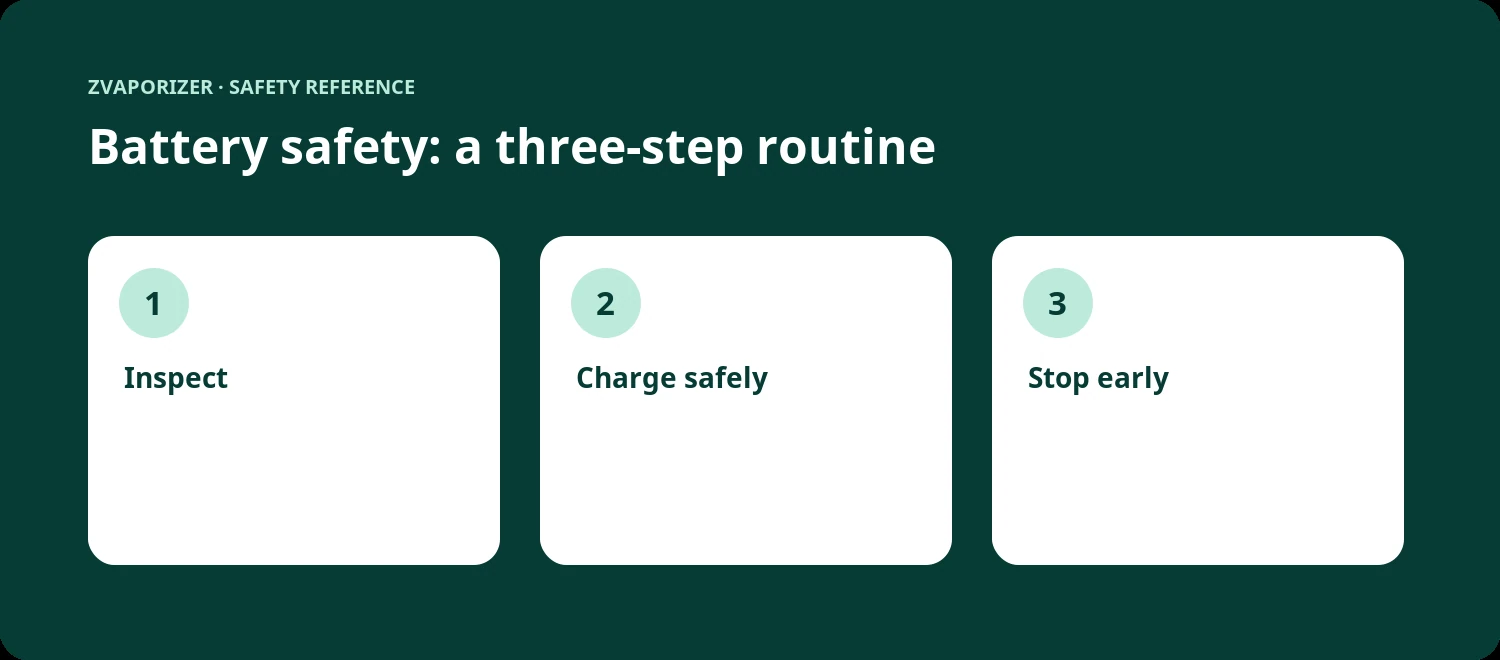
- Check the exact model’s input and recommended charging method.
- Inspect the cable, adaptor and port before connecting.
- Use a hard, non-flammable, dry surface in a place you can monitor.
- Allow cooling and disconnect when charging completes.
An everyday situation
An adaptor left over from another device has the right USB connector, but the charging instructions call for a specific electrical profile. Instead of assuming interchangeability, the owner checks the manufacturer’s current manual or support team. This avoids turning a minor missing-accessory problem into an uncertain charging experiment.
A detail worth remembering
Be particularly careful when shopping for replacement cables and adaptors with similar-looking connectors. A reputable seller and a matching physical plug do not replace explicit specifications.
When to stop and seek advice
| What you notice | Sensible response |
|---|---|
| Normal maintenance question | Check the official manual for the exact device model. |
| Possible deterioration or persistent fault | Stop the activity and contact the supplier or manufacturer. |
| Heat, swelling, venting, smoke or fire | Prioritise safety; for an active hazard evacuate and call **000**. |
Frequently asked questions
Is it safe to charge while the device is inside a case?
Only if the manufacturer specifically permits it. Cases may trap heat and hide warning signs.
Does USB-C guarantee compatibility?
No. USB-C describes a connector and related capabilities; actual charging requirements still depend on the device and adaptor.
Related reading
- Vaporiser Device Safety & Maintenance Explained
- Lithium-Ion Battery Safety in Portable Devices
- Signs of Battery Damage and When to Stop Using a Device
- How to Read a Device Safety Manual
Sources and further information
This general safety information does not replace a manufacturer’s instructions or an emergency service’s advice. It does not establish the permitted supply, advertising or use of any particular vaping good in Australia.