
In this article
Start by separating approved and sealed componentsUse only approved materialsInspect during reassemblyA practical checklistAn everyday situationA detail worth rememberingWhen to stop and seek adviceFrequently asked questionsCan I soak the complete device in alcohol?Can cleaning fix an overheating warning?Related readingSources and further informationRelated articles
Cleaning should protect users and electrical components—not introduce water or chemicals into sealed parts.
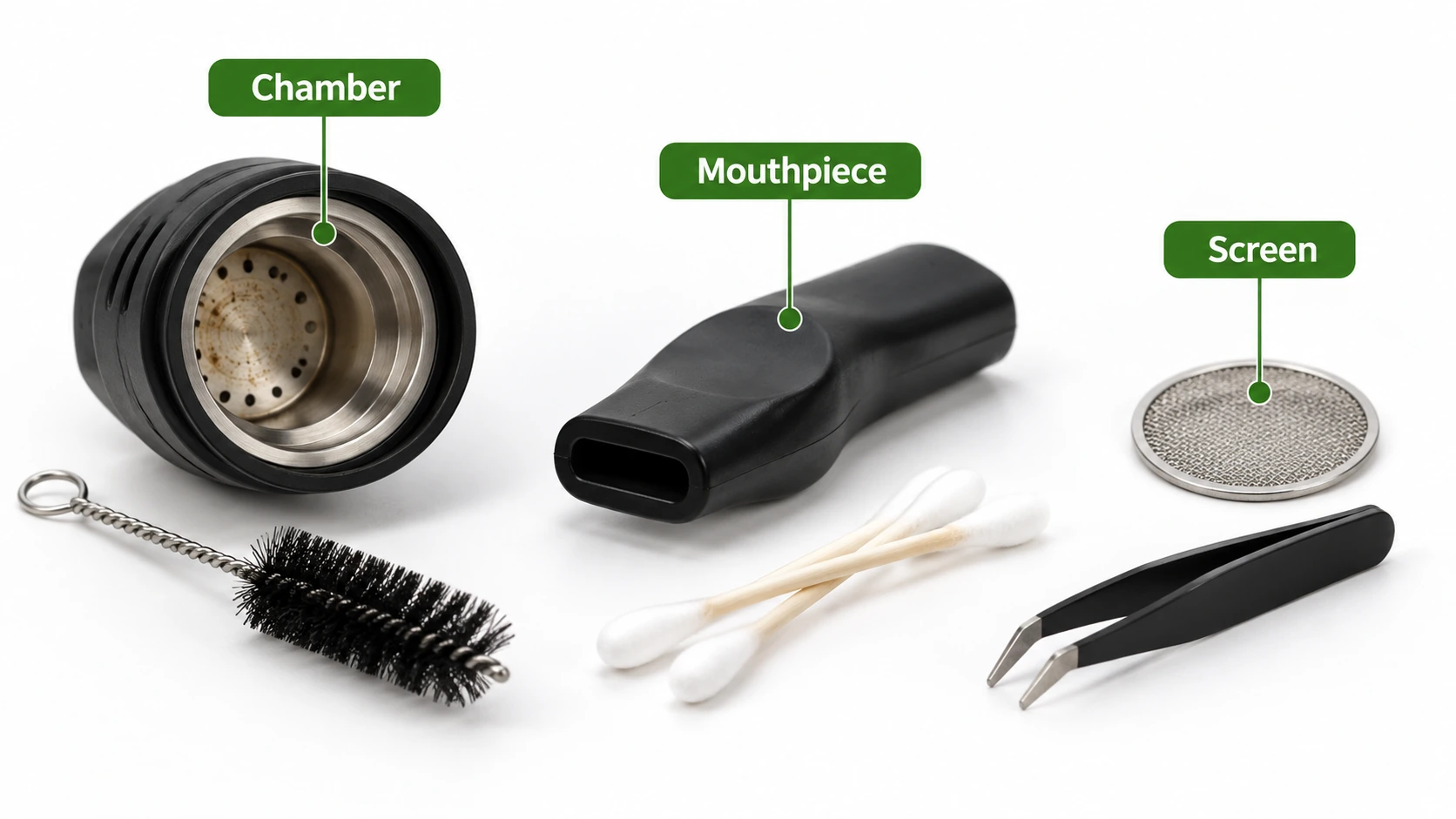
At a glance: Turn off and unplug; let heated areas cool fully. Separate removable parts only as permitted in the manual.
Start by separating approved and sealed components
Check the manual to identify components the owner may remove, rinse, brush or wipe. A detachable mouthpiece may have very different cleaning requirements from the charging port, heating assembly or internal battery compartment. Never immerse a sealed electronic body unless its manufacturer explicitly directs it. Switch off, unplug and let hot parts cool before handling. If there is an unusual odour, swelling or damage, stop and address the safety problem rather than attempting routine cleaning.
Use only approved materials
A dry, soft brush or lint-free cloth may suit some exterior surfaces, while other parts may require a specific manufacturer-listed cleaning liquid. Strong solvents can attack adhesives, plastic, coatings and seals. Do not assume all removable components tolerate alcohol, hot water or prolonged soaking. Keep liquids away from powered connections and ensure every approved-to-wash part is completely dry before reassembly. If instructions conflict with a generic internet guide, follow the device-specific instructions.
Inspect during reassembly
Cleaning is a useful moment to check for splits, loose seals, discoloured parts, damaged screens and residues around connectors. Reassemble only as instructed; forcing threads or seals can reduce their effectiveness. If a component seems altered after cleaning, do not improvise a substitute. Contact the supplier or manufacturer to verify the correct part and service method. Cleaning may support normal maintenance, but it cannot correct damaged electronics or make an unsafe battery safe.
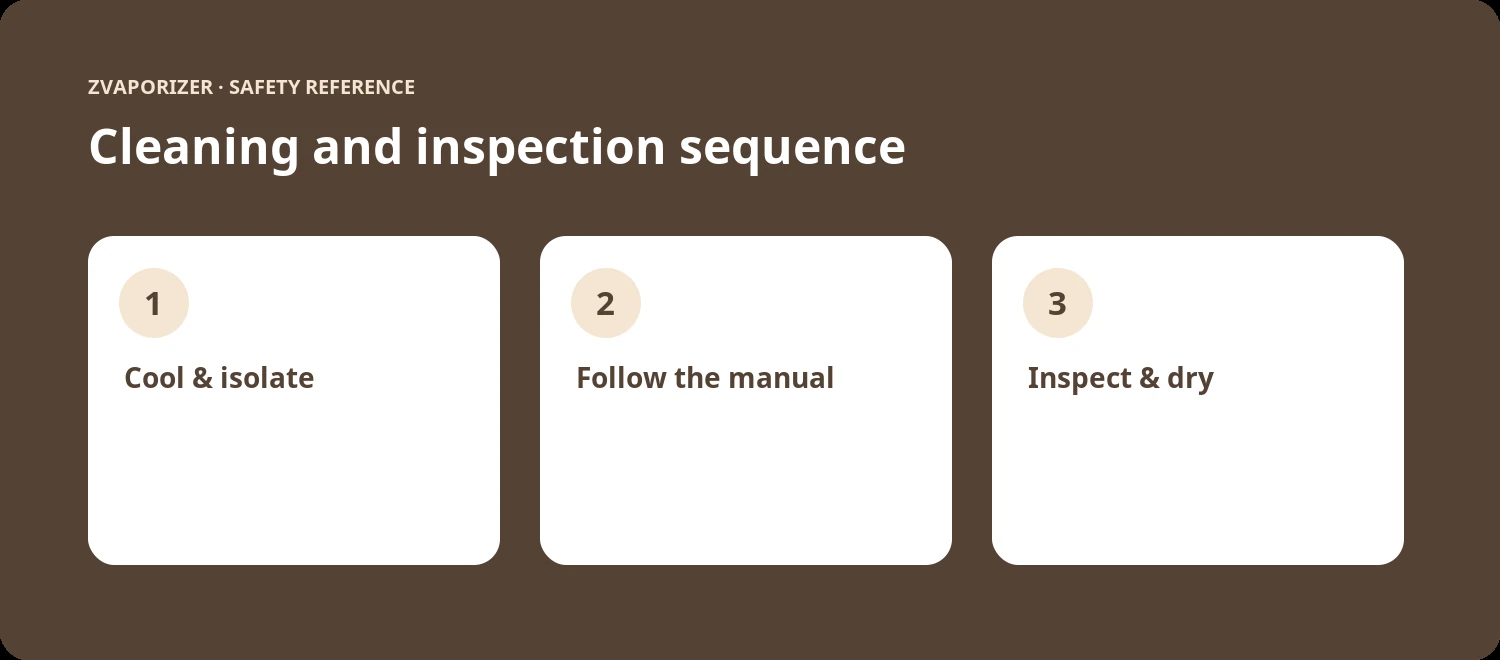
A practical checklist
- Turn off and unplug; let heated areas cool fully.
- Separate removable parts only as permitted in the manual.
- Use approved cleaning agents, not guessed solvents.
- Inspect seals, screens and contacts before reassembly.
An everyday situation
A removable mouthpiece requires cleaning, but the electronic body has a sealed battery. The user separates the approved component, follows its own cleaning instructions and leaves the powered body out of the cleaning area. This prevents the common mistake of treating all pieces as if they can be washed together.
A detail worth remembering
Cleaning is not a repair method for a swollen cell, scorched connector or recurring thermal fault. The decision to stop using an unsafe device comes before any routine maintenance.
When to stop and seek advice
| What you notice | Sensible response |
|---|---|
| Normal maintenance question | Check the official manual for the exact device model. |
| Possible deterioration or persistent fault | Stop the activity and contact the supplier or manufacturer. |
| Heat, swelling, venting, smoke or fire | Prioritise safety; for an active hazard evacuate and call **000**. |
Frequently asked questions
Can I soak the complete device in alcohol?
Never assume so. Many electronic assemblies and materials must not be immersed; consult the exact manual.
Can cleaning fix an overheating warning?
No. Overheating may indicate an electrical or battery fault that requires assessment.
Related reading
- Vaporiser Device Safety & Maintenance Explained
- Why Manufacturers Specify Cleaning Materials
- Inspecting Seals and Gaskets for Wear
- Lithium-Ion Battery Safety in Portable Devices
Sources and further information
- ACCC Product Safety — Lithium-ion batteries guide
- Therapeutic Goods Administration — Determining whether content is advertising
This general safety information does not replace a manufacturer’s instructions or an emergency service’s advice. It does not establish the permitted supply, advertising or use of any particular vaping good in Australia.