
In this article
What automatic shut-off may doWhy protective features have limitsWhat an unexpected shutdown tells youA practical checklistAn everyday situationA detail worth rememberingWhen to stop and seek adviceFrequently asked questionsDoes automatic shut-off make unattended charging safe?Should I replace a thermal fuse myself?Related readingSources and further informationRelated articles
Automatic shut-off features are useful safeguards, but they are not permission to ignore a device’s warnings.
At a glance: Identify normal timer shutdown versus a protective fault. Never bypass sensors, fuses or electronic protection.
What automatic shut-off may do
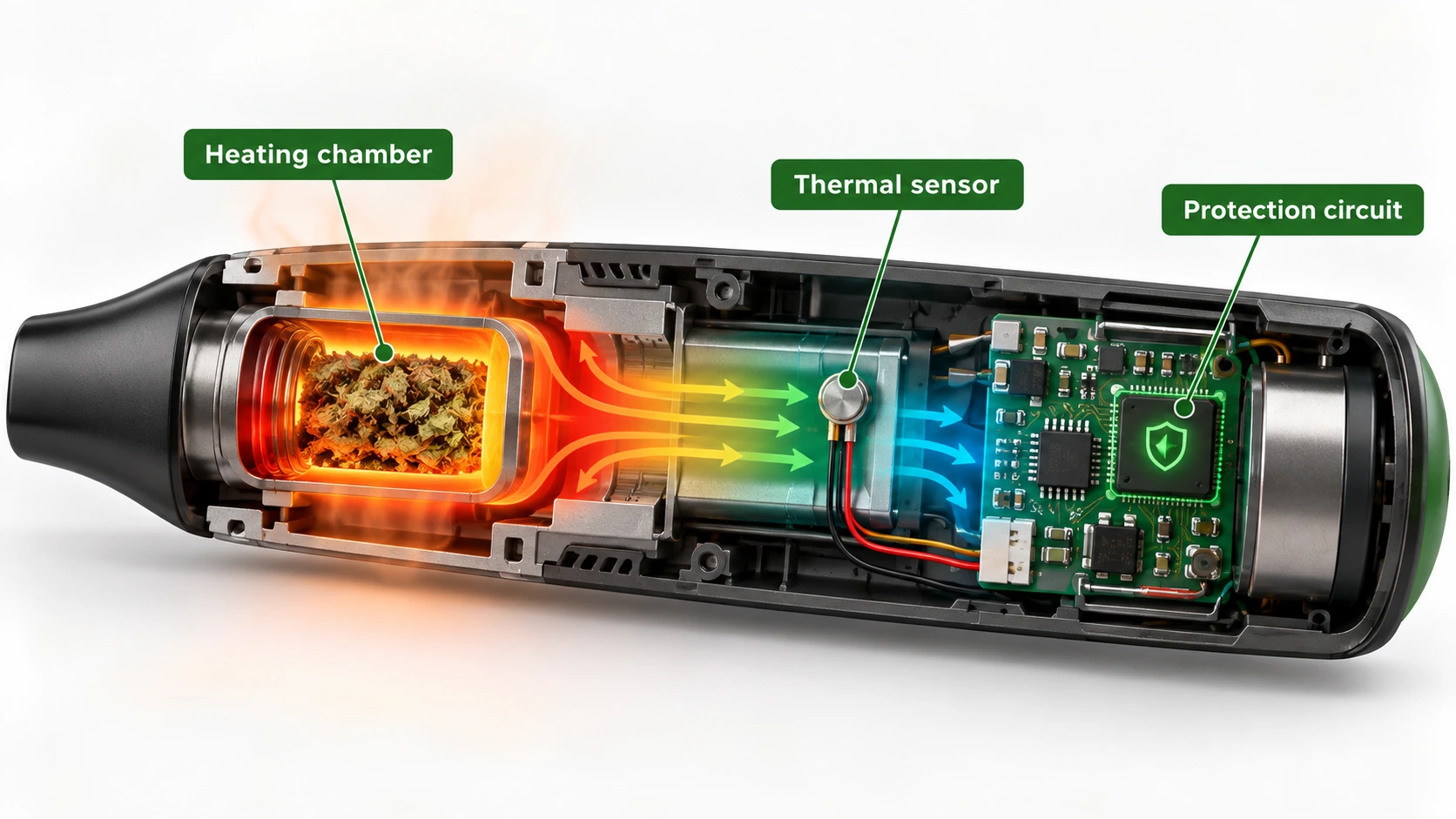
An electronic device can use firmware timers, temperature sensors, overcurrent protection or a thermal cut-off to interrupt heating or charging. These functions may operate for different reasons. A timed session ending is not the same as a protective response to dangerous temperature, and a power-saving shut-off is not a fire-prevention guarantee. Manufacturers should explain any warning codes, indicator lights or reset procedures relevant to their design.
Why protective features have limits
A sensor observes its installed location; it may not detect every localised hotspot immediately. A protection circuit can also be damaged by moisture, impact, poor contacts or unauthorised modifications. Some thermal fuses are single-use components that require professional replacement rather than resetting. Never bridge a failed thermal fuse, bypass a sensor or install a higher-rated component to keep a unit running.
What an unexpected shutdown tells you
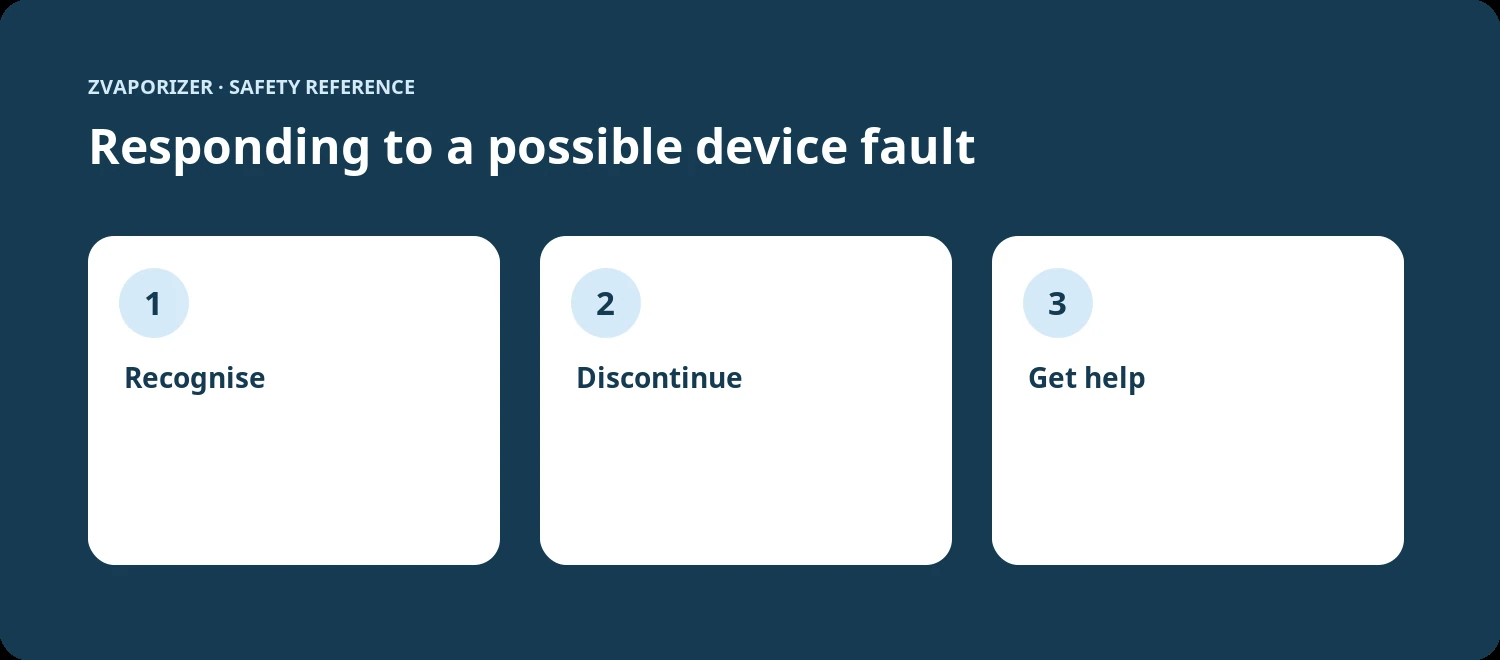
A device that stops repeatedly may be signalling temperature, battery, airflow or electronic faults. Note the circumstances and consult the manual rather than continuing to restart it. If the unit becomes unusually hot or smells abnormal, discontinue use. The correct response depends on the manufacturer’s error definitions; an article cannot identify a fault solely from a symptom. Support staff may ask for an error code, firmware version and brief written description.
A practical checklist
- Identify normal timer shutdown versus a protective fault.
- Never bypass sensors, fuses or electronic protection.
- Stop if a shutdown coincides with odour, deformation or heat.
- Use only manufacturer-approved service channels.
An everyday situation
A device automatically switches off after a set time, and its owner assumes this proves it is safe to leave charging overnight. Yet the session timer and battery charge-protection circuit can be separate systems. Good charging practice remains necessary even when multiple automatic shut-off features are advertised.
A detail worth remembering
An automatic cut-off protects only the conditions its design can detect. A physically damaged battery or water-affected circuit may fail in ways outside normal software controls.
When to stop and seek advice
| What you notice | Sensible response |
|---|---|
| Normal maintenance question | Check the official manual for the exact device model. |
| Possible deterioration or persistent fault | Stop the activity and contact the supplier or manufacturer. |
| Heat, swelling, venting, smoke or fire | Prioritise safety; for an active hazard evacuate and call **000**. |
Frequently asked questions
Does automatic shut-off make unattended charging safe?
No. Protective features do not remove the ACCC’s advice to monitor charging and use a safe surface.
Should I replace a thermal fuse myself?
Only if the exact device documentation explicitly permits user replacement; otherwise seek qualified service.
Related reading
- Vaporiser Device Safety & Maintenance Explained
- How to Read a Device Safety Manual
- Understanding Overheating Warnings
- Lithium-Ion Battery Safety in Portable Devices
Sources and further information
This general safety information does not replace a manufacturer’s instructions or an emergency service’s advice. It does not establish the permitted supply, advertising or use of any particular vaping good in Australia.