
In this article
Operating warmth is not the same as overheatingRespond to the warning, not just the symptomWhen to seek assessmentA practical checklistAn everyday situationA detail worth rememberingWhen to stop and seek adviceFrequently asked questionsIs a warm heating chamber necessarily a fault?What if an overheating device begins smoking?Related readingSources and further informationRelated articles
Learn to separate expected operating warmth from unusual heat that requires immediate attention.
At a glance: Read which parts are expected to become hot during operation. Treat abnormal battery or charging-port heat as a stop signal.
Operating warmth is not the same as overheating
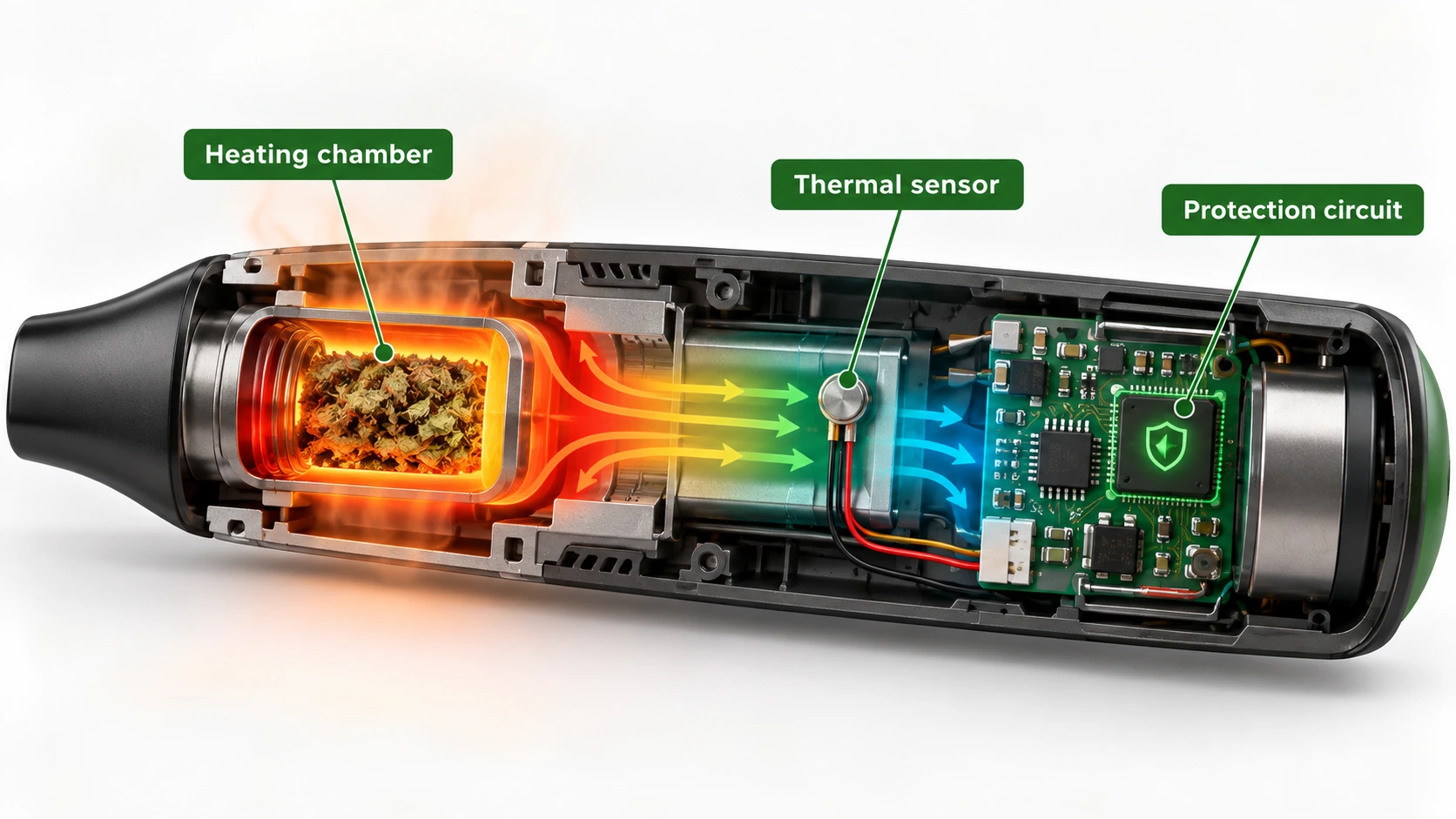
A device designed to heat a chamber may have intentionally warm surfaces. The manual should identify normal hot areas and safe handling points. Overheating, by contrast, may involve unexpected heat in the battery compartment, charging port, outer casing or power adaptor, especially if accompanied by a warning light, smell, distortion or shutdown. Temperature cannot be judged reliably from a display alone because sensors may measure only one internal position.
Respond to the warning, not just the symptom
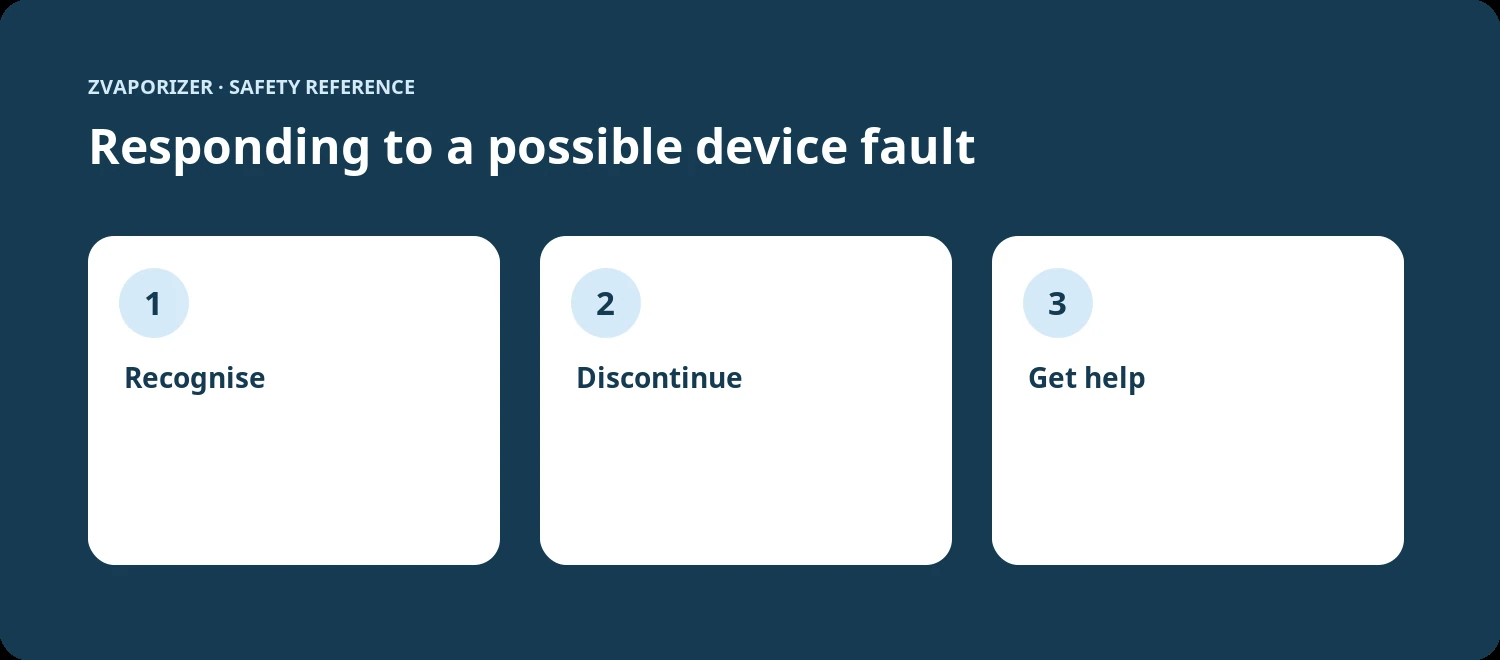
If the device reports excessive temperature, follow its shutdown instructions and stop operating it. Do not repeatedly restart a unit to defeat a warning. Disconnect power when safe, keep it away from combustibles and allow it to cool in a suitable location. If smoke, venting or fire occurs, leave the area and call 000. An overheating event during charging requires particular caution because the battery and its control circuitry may be involved.
When to seek assessment
Record the warning message, operating stage and environmental conditions without recreating the fault. Was the unit charging, recently dropped, left in sunlight or used with a different adaptor? These details help support staff assess the case. A one-off warning may still warrant attention if it was unusual. Do not dismantle a sealed device to inspect a thermostat, sensor or cell. Repeated warning behaviour should be handled through the manufacturer or a qualified service provider.
A practical checklist
- Read which parts are expected to become hot during operation.
- Treat abnormal battery or charging-port heat as a stop signal.
- Do not restart repeatedly to bypass a thermal warning.
- Record the error code and contact qualified support.
An everyday situation
During normal operation, a chamber cover becomes warm, as the manual describes. On a later occasion, the charging connector becomes very hot while no heating cycle is active. These are not equivalent observations. The second may point to a charging or electrical fault and should not be dismissed as ordinary heater warmth.
A detail worth remembering
Temperature alarms are diagnostic prompts, not invitations to tune or modify a device. Repeated resets may hide the sequence that support staff need to investigate.
When to stop and seek advice
| What you notice | Sensible response |
|---|---|
| Normal maintenance question | Check the official manual for the exact device model. |
| Possible deterioration or persistent fault | Stop the activity and contact the supplier or manufacturer. |
| Heat, swelling, venting, smoke or fire | Prioritise safety; for an active hazard evacuate and call **000**. |
Frequently asked questions
Is a warm heating chamber necessarily a fault?
Not by itself. Consult the manual for expected surface temperatures and safe handling zones.
What if an overheating device begins smoking?
Evacuate to safety and call Triple Zero (000). Do not attempt to open or repair it.
Related reading
- Vaporiser Device Safety & Maintenance Explained
- How to Read a Device Safety Manual
- Thermal Cut-offs and Automatic Shut-off Features
- Lithium-Ion Battery Safety in Portable Devices
Sources and further information
- ACCC Product Safety — Lithium-ion batteries guide
- ACCC Product Safety — Lithium-ion battery emergency guidance
This general safety information does not replace a manufacturer’s instructions or an emergency service’s advice. It does not establish the permitted supply, advertising or use of any particular vaping good in Australia.