
In this article
What to inspect from the outsideWhy port condition mattersWhat to do after finding a problemA practical checklistAn everyday situationA detail worth rememberingWhen to stop and seek adviceFrequently asked questionsCan I keep using a cable that charges only at an angle?Can compressed air always be used to clean a charging port?Related readingSources and further informationRelated articles
Charging sockets are small, exposed interfaces: debris, moisture and wear can cause unreliable connections.
At a glance: Power off and disconnect before visual inspection. Look for bent contacts, corrosion, scorch marks and loose fit.
What to inspect from the outside
With the device powered down and disconnected, look for bent metal, visible corrosion, burnt discolouration, loose fit or a plug that no longer sits squarely. Do not insert metal picks or hard objects to probe contacts. Lint or dirt can obscure the connector, but cleaning methods vary by manufacturer and port design. If the casing around the connector feels hot while charging or shows signs of melting, stop using it.
Why port condition matters
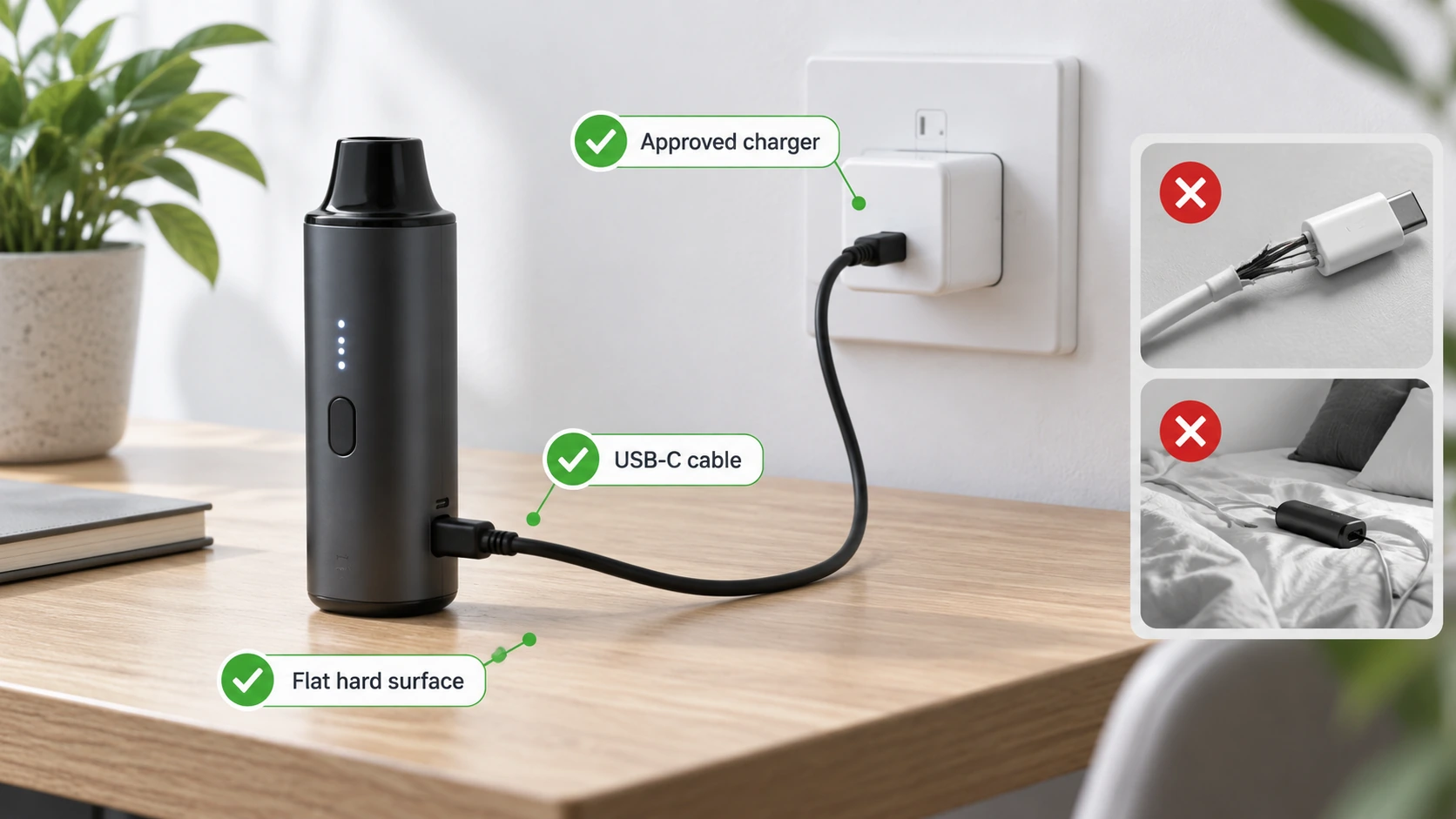
A poor mechanical connection can increase electrical resistance, interrupt charging or generate localised heating. Repeated cable strain can also damage internal solder joints even where the outer socket looks intact. A cable that needs to be held at an angle is not a normal solution. Switching between several unknown cables or adaptors can make it harder to identify the real fault and may introduce additional risk.
What to do after finding a problem
Check the official manual for permitted cleaning or service steps. If there is moisture, follow the specific manufacturer guidance; do not energise a wet connector in an attempt to dry it. Avoid spraying liquids into a port. If the connector is bent, scorched, loose or persistently unreliable, stop charging and contact the manufacturer or qualified repairer. Keep photos and purchase details for warranty or support discussions.
A practical checklist
- Power off and disconnect before visual inspection.
- Look for bent contacts, corrosion, scorch marks and loose fit.
- Never use metal objects or liquids inside a live port.
- Stop charging if the connection heats or behaves intermittently.
An everyday situation
A cable begins disconnecting whenever it is moved. The user notices discolouration around the charging socket but continues wedging the plug into place. A safer decision is to stop and have the port and cable assessed. Mechanical force can aggravate an already weak connection and may generate unwanted local heat.
A detail worth remembering
The temptation to clean ports aggressively is understandable, but inserting metal pins or dripping solvents into a connector can create a new fault. Start with the official instructions.
When to stop and seek advice
| What you notice | Sensible response |
|---|---|
| Normal maintenance question | Check the official manual for the exact device model. |
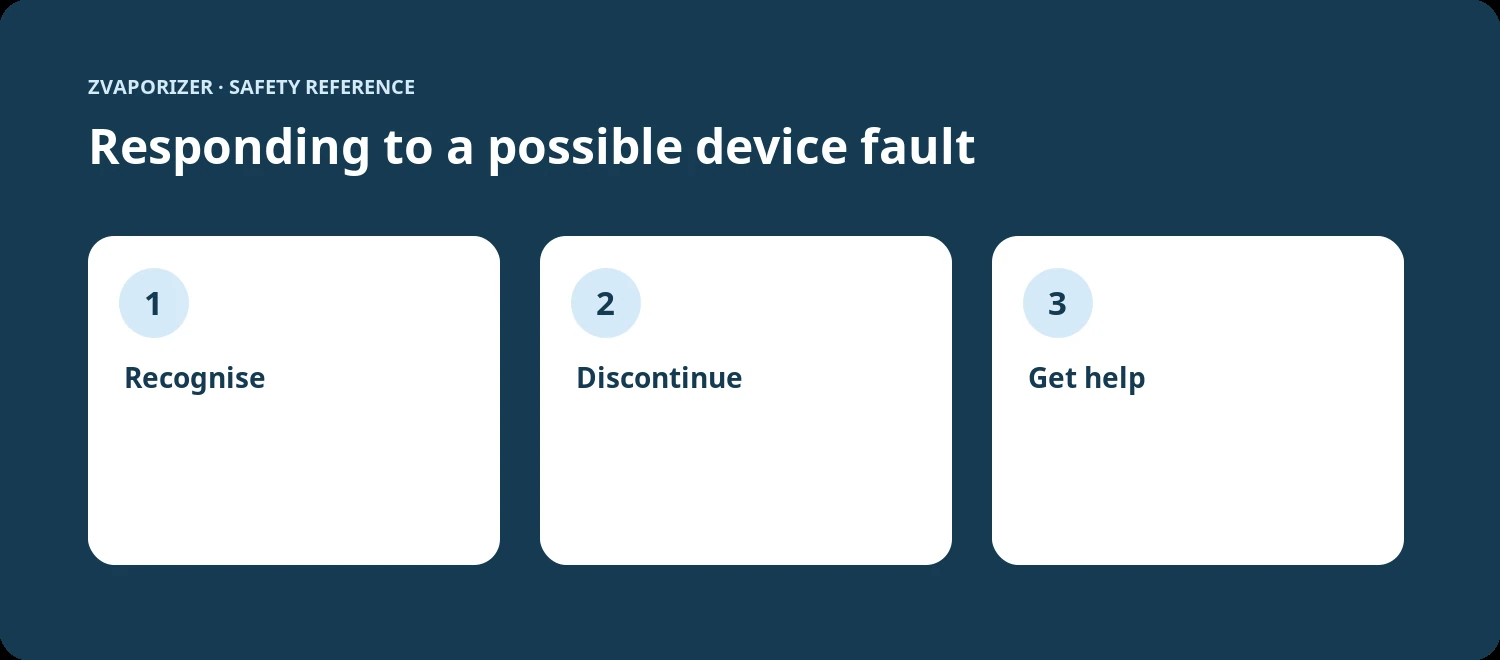
| Possible deterioration or persistent fault | Stop the activity and contact the supplier or manufacturer. |
| Heat, swelling, venting, smoke or fire | Prioritise safety; for an active hazard evacuate and call **000**. |
Frequently asked questions
Can I keep using a cable that charges only at an angle?
No. That may indicate a damaged socket or cable and should be assessed.
Can compressed air always be used to clean a charging port?
No. Follow the manufacturer’s specific cleaning instructions; pressure and propellants may cause damage.
Related reading
- Vaporiser Device Safety & Maintenance Explained
- How to Read a Device Safety Manual
- Understanding Overheating Warnings
- Lithium-Ion Battery Safety in Portable Devices
Sources and further information
This general safety information does not replace a manufacturer’s instructions or an emergency service’s advice. It does not establish the permitted supply, advertising or use of any particular vaping good in Australia.